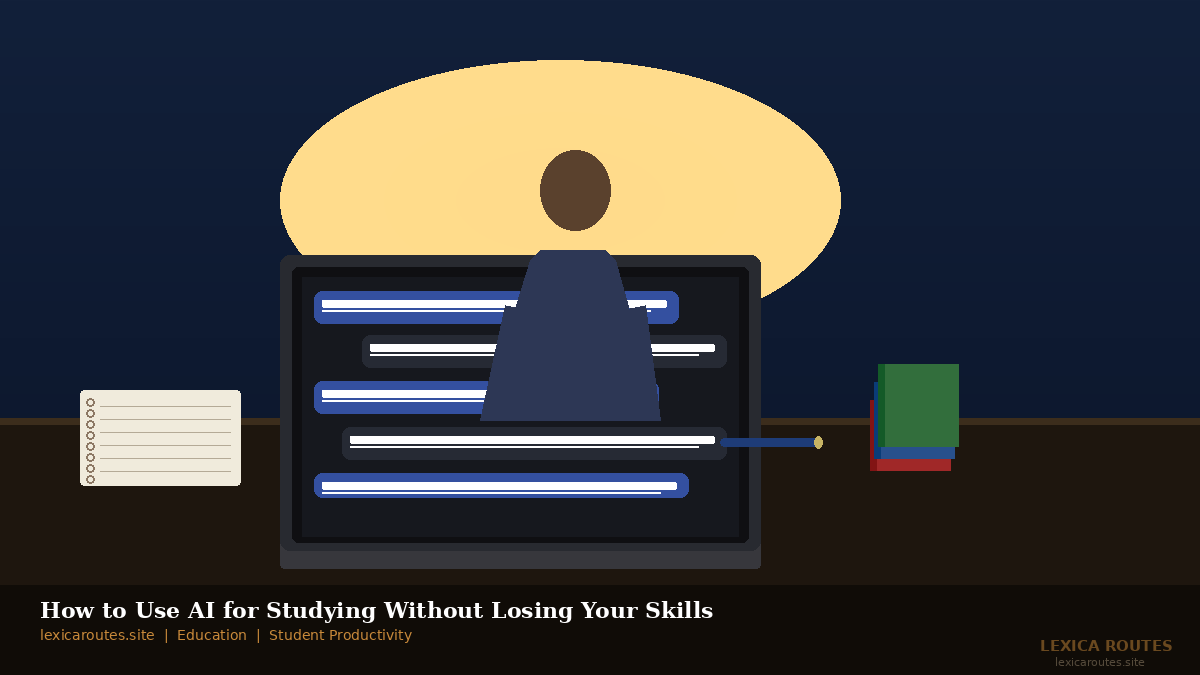
There was a week during my second year of university when I used ChatGPT to write a rough draft of an essay. Not the whole thing, just the structure and a few opening paragraphs. I told myself it was just a “starting point.” Two days later, I submitted something that barely felt like mine. I passed, but I also couldn’t explain half of what was in it.
That stuck with me. Not because I nearly got caught, but because I realised I’d learned absolutely nothing that week.
Using AI for studying doesn’t have to go that way. Done right, it can genuinely help you understand harder material faster, fill in gaps your lecturers don’t have time to fill, and make revision sessions less of a slog. This guide covers exactly how to use AI tools for students without handing over your thinking or your academic integrity.
What “Using AI for Studying” Actually Means
Let’s be clear about one thing straight away. AI studying is not about having a chatbot write your assignments. That is not studying. That is outsourcing, and at most universities in 2026, it is also a disciplinary matter.
What AI-assisted learning actually looks like is using tools like ChatGPT, Claude, Gemini, or Perplexity to explain concepts in a different way, generate practice questions, simplify dense academic texts, and help you organise your revision. The difference between useful and harmful is whether your brain is still doing the heavy lifting.
Think of it less like hiring a ghostwriter and more like having a very patient tutor available at midnight.
What You Need Before You Start
Before you open any AI tool with your study notes, there are a couple of things worth sorting out first.
Know your institution’s policy. Schools and universities have wildly different rules about AI use in 2026. Some prohibit it entirely for assessed work. Others allow it for planning and research but not for written output. A few are actively building it into the curriculum. Check your student handbook or ask your course coordinator directly. Claiming you “didn’t know” is not a defence when you’re sitting in front of a plagiarism board.
Have your source material ready. AI works best as a complement to what you are already studying, not as a replacement for engaging with the actual course content. If you haven’t read the chapter or attended the lecture, asking an AI to summarise it will give you a shallow, often inaccurate version of the material.
Pick the right tool for the task. ChatGPT (OpenAI) is strong for explaining concepts and generating practice questions. Claude (Anthropic) tends to handle nuanced, longer documents well. Perplexity is useful when you need quick research with cited sources. NotebookLM (Google) lets you upload your own course readings and then ask questions directly about them, which is excellent for exam prep.
Step 1: Ask AI to Explain, Not to Answer
This is the single most important habit to build. When you are stuck on a concept, instead of asking “What is the answer to this question?”, ask “Can you explain this concept to me as if I’m a smart 17-year-old who has never heard of it before?”
The difference matters enormously. The first approach gives you an answer to copy. The second gives you understanding you can then apply yourself.
Try asking follow-up questions. “Why does that work that way?” “What would happen if we changed this variable?” “Can you give me a real-world example?” This kind of back-and-forth is where AI-assisted learning genuinely shines. It is patient, non-judgmental, and available at 2 a.m. the night before a seminar.
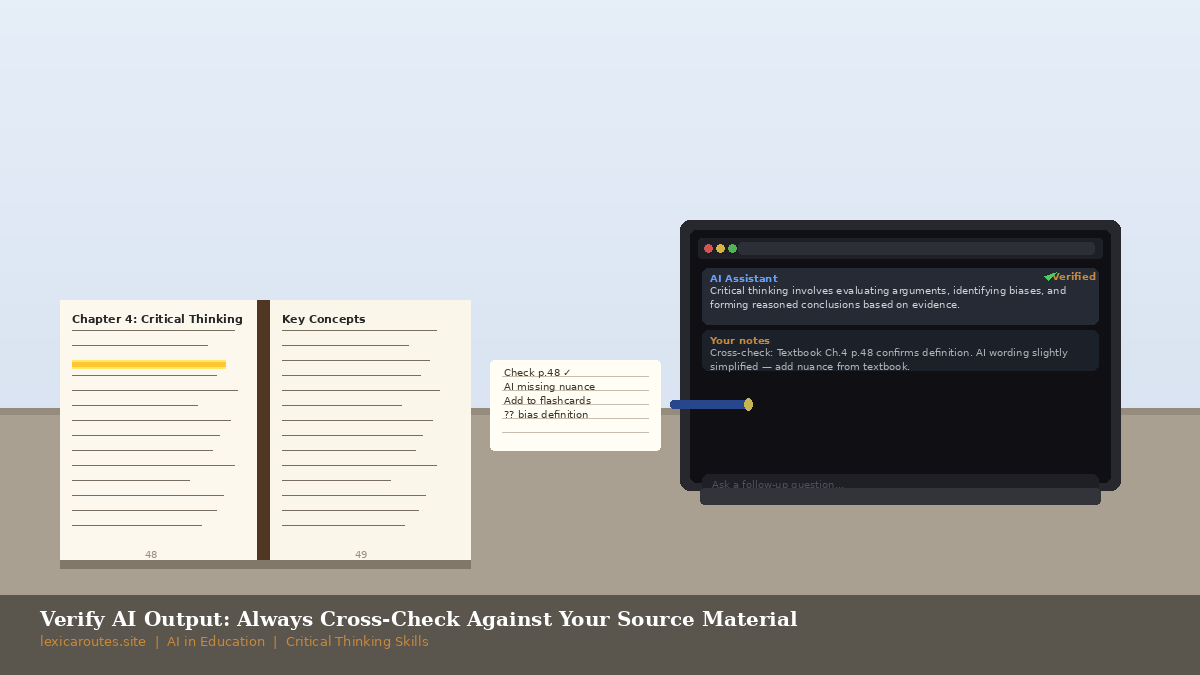
One thing to watch: AI tools can be confidently wrong about specific facts, dates, and research findings. Always verify anything that will appear in assessed work against your actual course sources.
Step 2: Use AI to Test Yourself, Not to Answer for You
Self-testing is one of the most well-supported learning techniques in educational research according to research on the testing effect from the Association for Psychological Science, actively retrieving information from memory consistently outperforms re-reading as a study method.
Here is where AI becomes a genuinely powerful study partner. Paste in your lecture notes or a chapter summary and ask the AI to generate ten short-answer questions based on the material. Then close the AI window and answer them from memory. After you’ve done that, open it back up and check your answers.
This forces retrieval. It is uncomfortable in the best possible way.
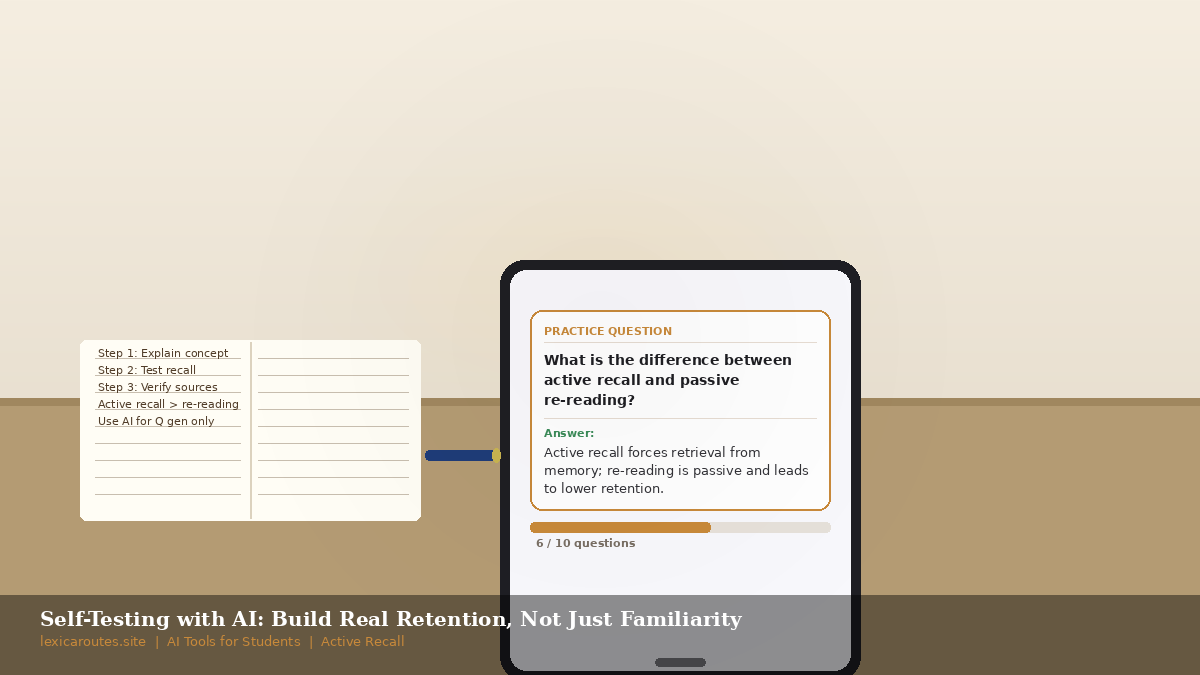
You can also ask AI to create scenario-based questions. For law students, that might be “Give me a fictional case scenario involving contract law.” For science students, “Create a problem set on cellular respiration at the second-year university level.” The AI becomes your practice paper generator, and you can regenerate as many times as you need.
Step 3: Use It to Simplify Without Skipping
Dense academic writing is one of the biggest reasons students disengage from course material. When you have a 40-page research paper full of jargon and you need to understand it for tomorrow’s tutorial, AI can help bridge the gap.
Paste in a paragraph you don’t understand and ask “Can you break this down for me and explain the key argument in plain language?” This is a legitimate use of the technology. You are still reading the original. You are still doing the thinking. You are just using a tool to decode language that was not written with accessibility in mind.
The mistake students make here is using the AI summary as a substitute for the reading. If you only read what the AI produces, you miss the specific framing, the methodology, the nuance, and crucially the details your professor will probably ask about. Use AI to help you understand the reading, not to avoid it.
Common Mistakes Students Make with AI
Submitting AI-generated text directly. Even if you tweak it. Even if you run it through a paraphrasing tool afterward. Most institutions use detection tools like Turnitin’s AI checker, and the patterns are often distinctive. Beyond getting caught, you genuinely learn nothing. The risk is not worth it, and neither is the outcome.
Using it as a first stop, not a fallback. Try the problem yourself first. Struggle with it for a while. Then bring AI in. The struggle is where the learning actually happens. Skipping it means the knowledge will not stick.
Trusting everything it says. The BBC has reported on multiple high-profile cases of AI hallucination where models produce confident, fluent, completely fabricated information. For assessed academic work, verify every claim against a real source.
Using it for all subjects equally. AI is much more useful for concept-based subjects like economics, biology, or history than it is for creative or skills-based ones. If you are studying creative writing, architecture, or a practical vocational programme, AI can help with feedback and iteration, but you need to be building your own creative muscles, not outsourcing them.
How to Keep Your Own Skills Sharp
This is the part most guides skip, but it matters. Student productivity tools are genuinely useful; the real issue is when they replace the cognitive work rather than supporting it.
A simple rule: for every AI session, write a brief handwritten summary afterwards of what you actually learned. No AI involved. Just your own words, in a notebook. This forces consolidation. It also shows you very quickly if you actually understood anything or just consumed content passively.
The students who use AI well in 2026 are the ones using it to go deeper and faster, not to do less. They come out of the degree with stronger skills, not weaker ones, because they were never using AI as a shortcut; they were using it as a training partner.
QUICK REFERENCE SUMMARY BOX
| Step | What to do | Why it works |
|
1. Learn how your school defines AI use |
Check your course handbook or ask your tutor |
Avoids academic integrity issues |
|
2. Ask AI to explain, not to answer |
Reframe questions to get explanations, not answers |
Builds genuine understanding |
|
3. Use AI to generate practice questions |
Paste your notes in; ask for short-answer questions |
Activates retrieval, the most effective study method |
|
4. Simplify difficult texts |
Paste dense paragraphs; ask for plain-language breakdown |
Helps you engage with real sources rather than avoiding them |
|
5. Always verify facts |
Cross-check AI responses against course materials |
Prevents errors in assessed work |
|
6. Summarise in your own words after |
Write a handwritten recap after each AI session |
Ensures genuine retention |
VERDICT
Using AI for studying well is genuinely possible. The students who manage it without losing their own skills are the ones who stay clear about one thing: the AI is there to help them think, not to think for them.
Start small. Pick one subject. Use an AI tool to explain one concept you are struggling with this week, then generate five practice questions and answer them without looking. See how that feels compared to re-reading your notes for the fourth time.
The technology is not going away. The students who figure out how to use it properly right now will have a real edge, not because they used AI, but because they kept their critical thinking intact while doing it.
If you are also working through how to fund your studies or plan your learning path, read our guide to the best fully funded scholarships for international students in 2026 for your next step.
FREQUENTLY ASKED QUESTIONS
Is using AI for studying considered cheating?
It depends entirely on your institution’s policy. Most universities in 2026 allow AI for research, planning, and understanding, but prohibit submitting AI-generated text as your own work. Always check your course handbook and ask your tutor if anything is unclear. What you do for personal study is different from what you submit for assessment.
What are the best AI tools for studying in 2026?
The most widely used are ChatGPT (great for explanations and practice questions), Claude (strong for analysing longer texts), Perplexity (useful for cited research summaries), and NotebookLM (excellent for uploading your own course material and querying it directly). The best tool depends on your subject and what stage of revision you are in.
How do I use AI for studying without losing my own skills?
The key is keeping your brain in the driver’s seat. Always attempt a problem yourself before turning to AI. Use AI to generate questions and then answer them from memory. After each session, write a handwritten summary of what you actually learned. These habits stop AI from becoming a crutch.
Can teachers or professors detect AI-assisted studying?
They cannot detect how you studied, but they can often detect AI-generated text in submitted work. Tools like Turnitin’s AI checker are now widely used. More importantly, a student who outsources their thinking often cannot defend their work in a discussion, tutorial, or oral exam, which is usually the bigger giveaway.
Does using AI actually help you learn faster?
When used correctly, yes. Research on active retrieval shows that self-testing dramatically improves retention compared to passive re-reading. AI can generate unlimited practice questions, explain the same concept multiple ways, and give instant feedback, all of which accelerate genuine learning when the student stays engaged with the process.
RELATED POSTS
You might also like:
Author: Written by the Lexica Routes editorial team, covering travel, education, and study abroad since 2025.